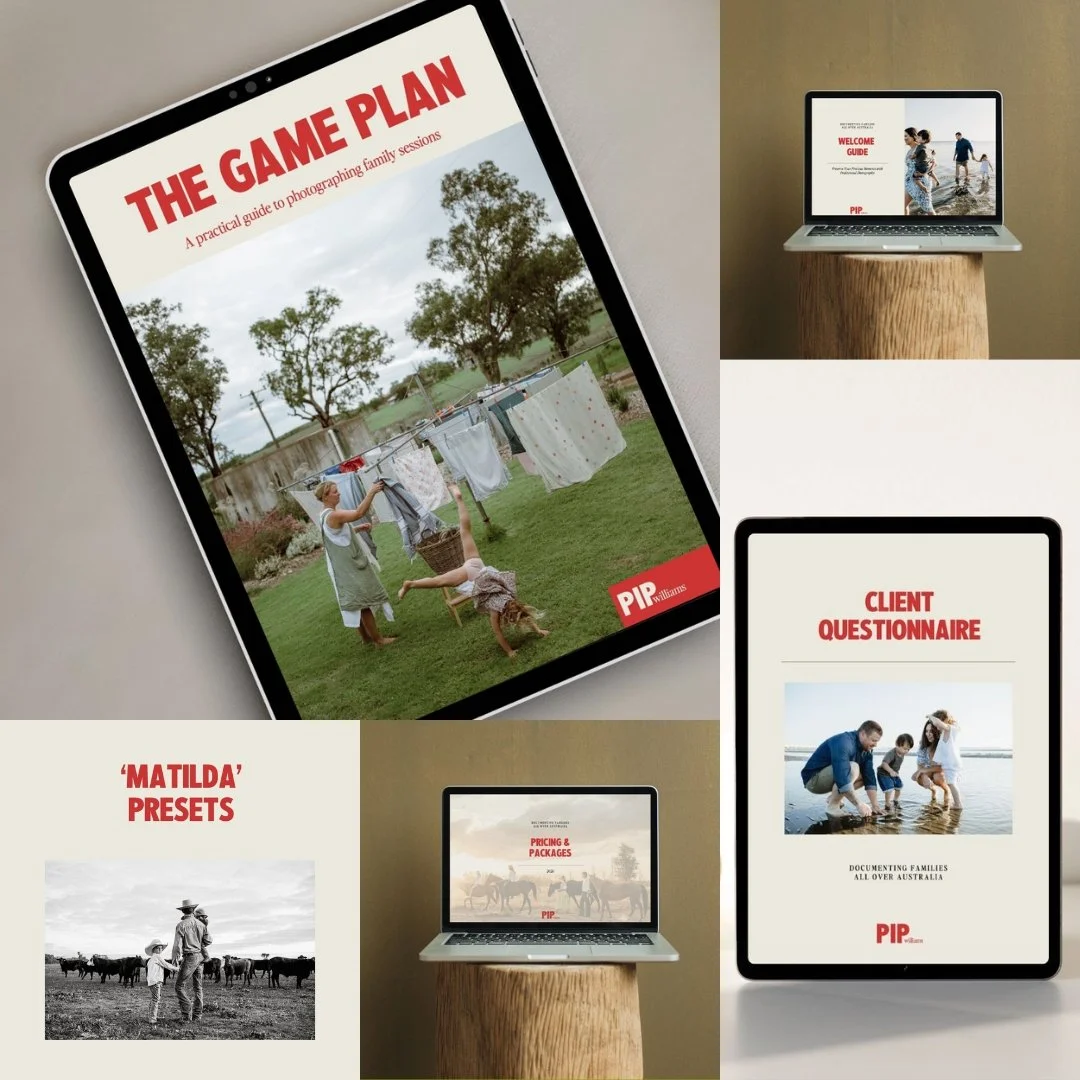
Everything you need to improve your client experience and feel more confident running your photography sessions.
This bundle brings together four essential tools I’ve created and used in my own business over the years. From how you communicate with clients, to how you run your sessions, to how your final images look.
It’s designed to help you feel more organised, more prepared and more consistent in your work.
Welcome Guide Template $28
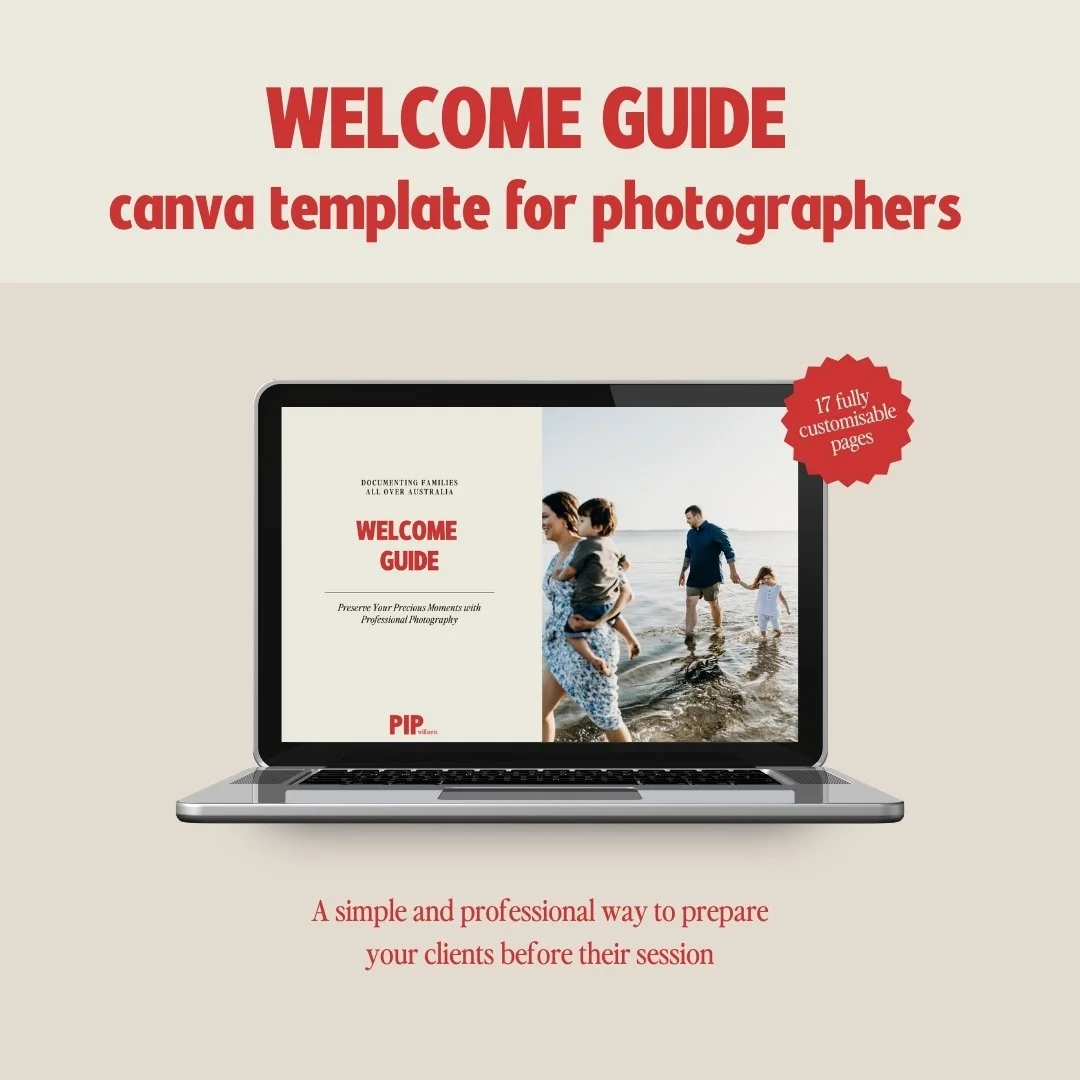
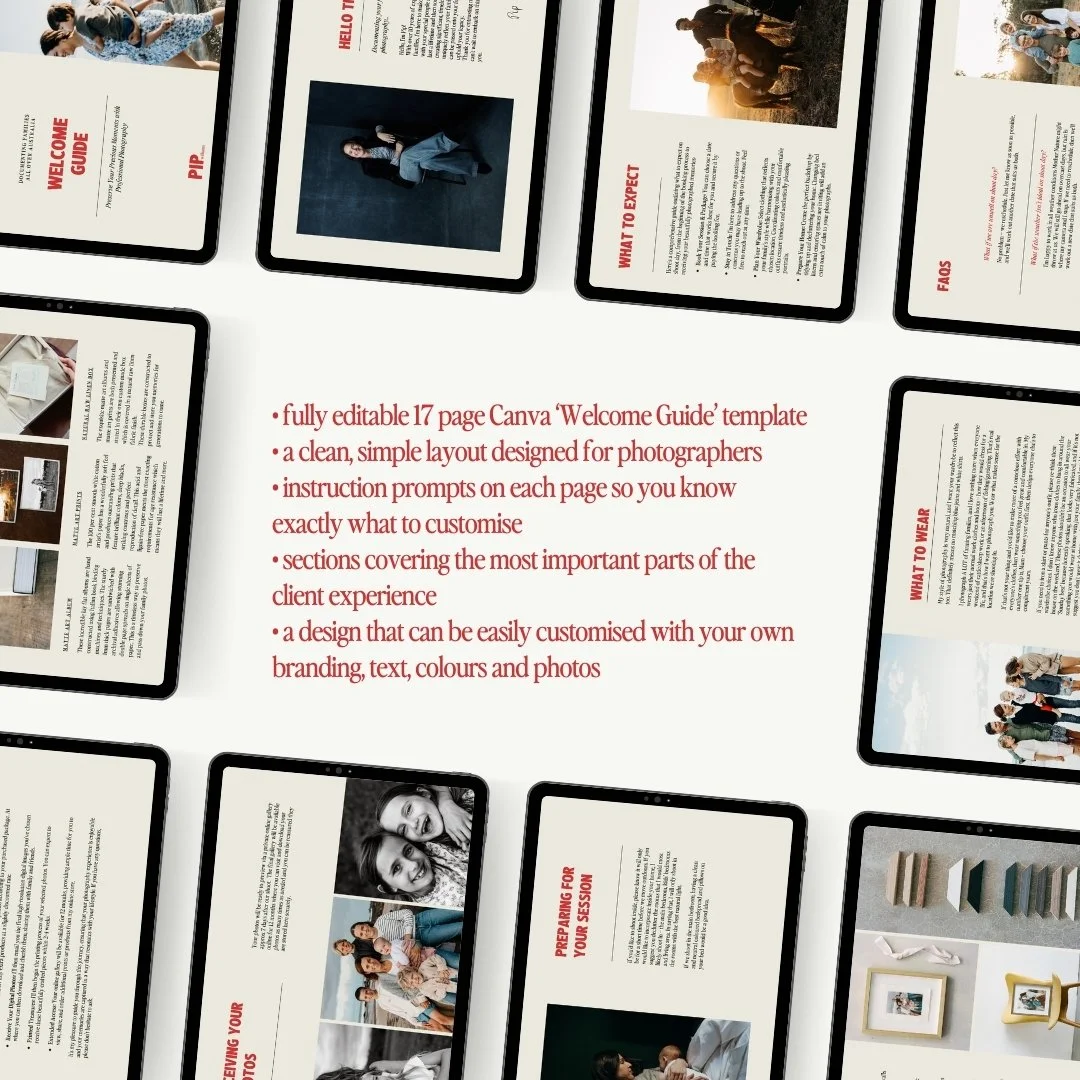
A fully editable 17 page Canva template you can send to clients after they book, helping them understand what to expect, what to wear and how to prepare for their session.
Pricing Guide Template $28
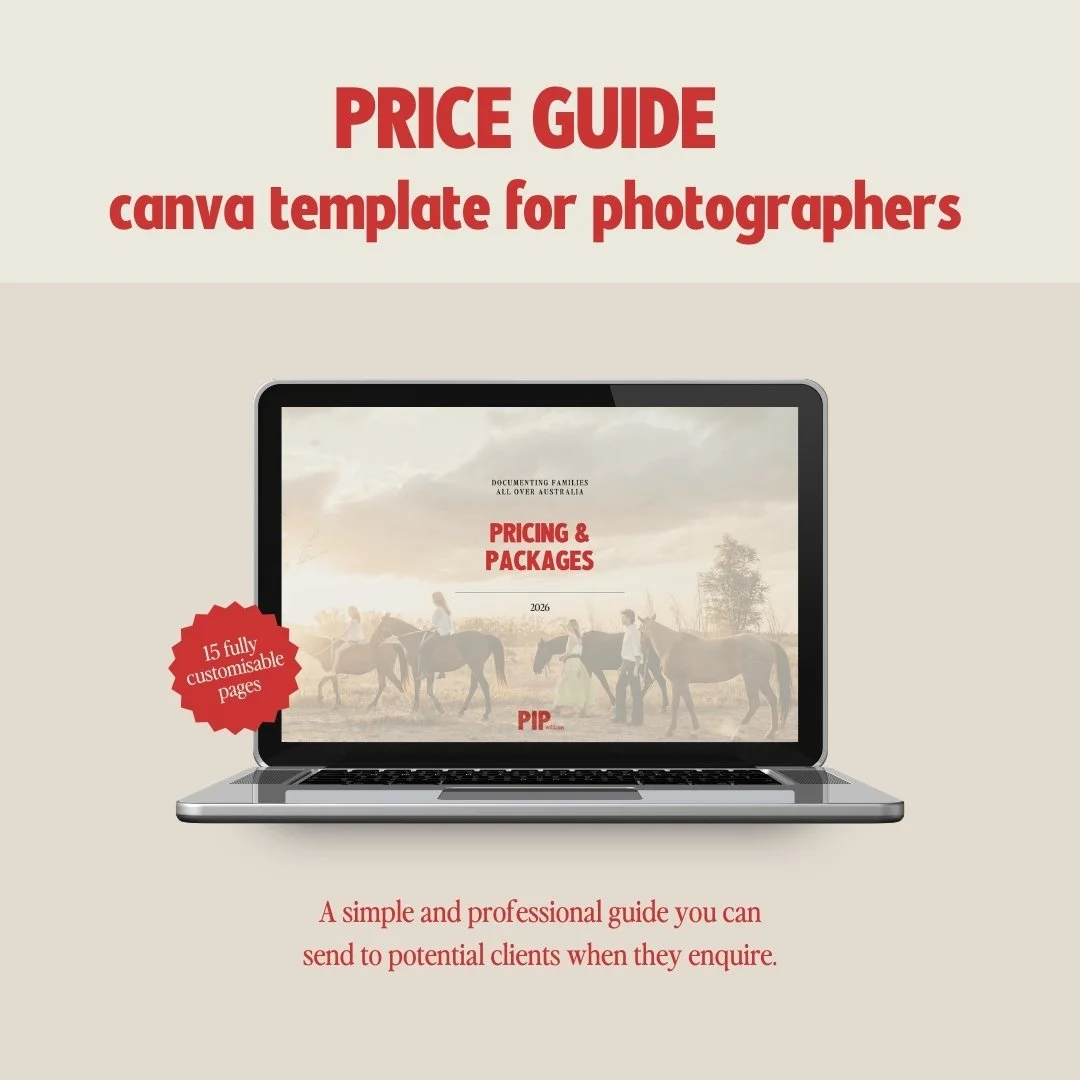
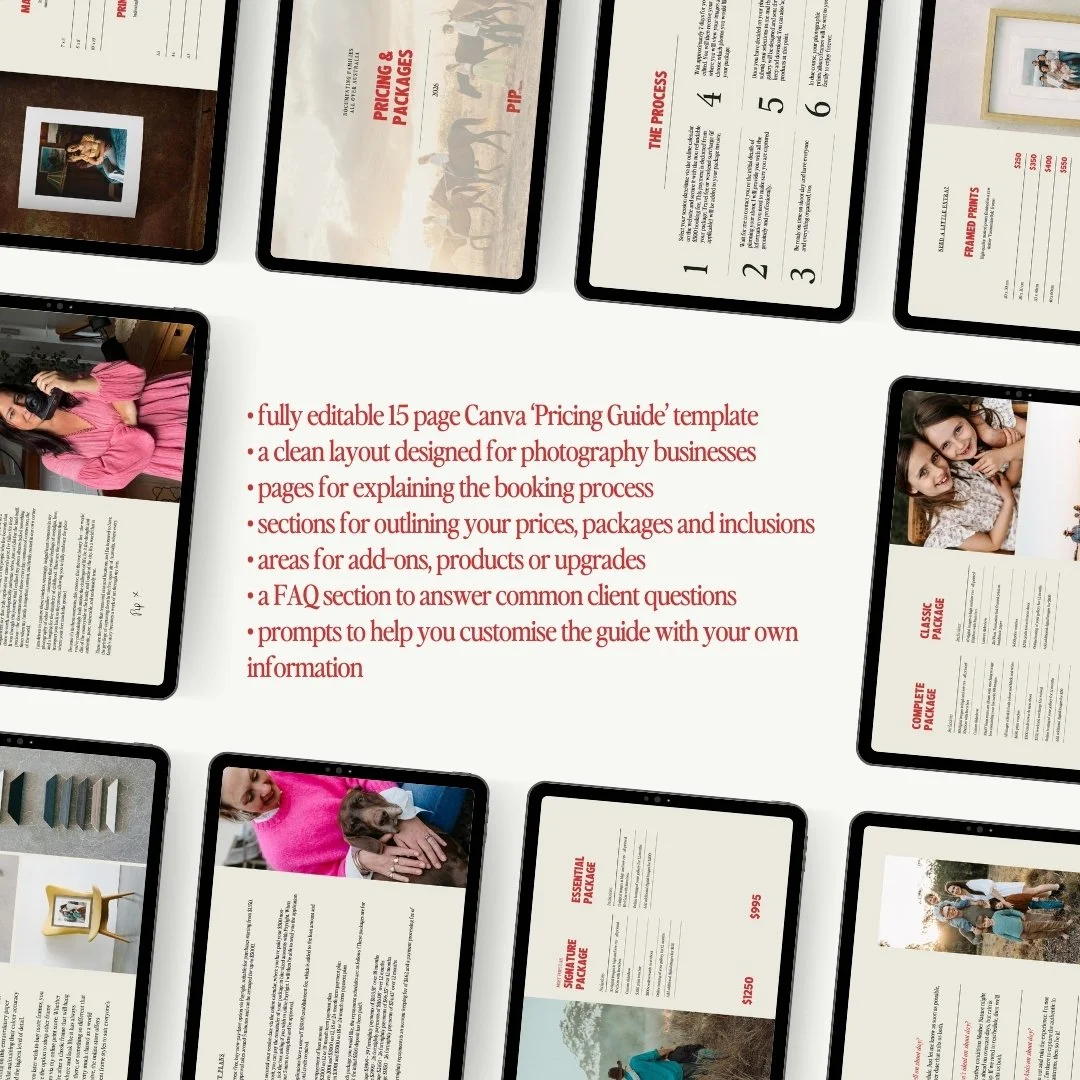
A clean 15 page Canva template designed to present your packages and pricing clearly when potential clients enquire.
Client Questionnaire Template + Question List PDF $15
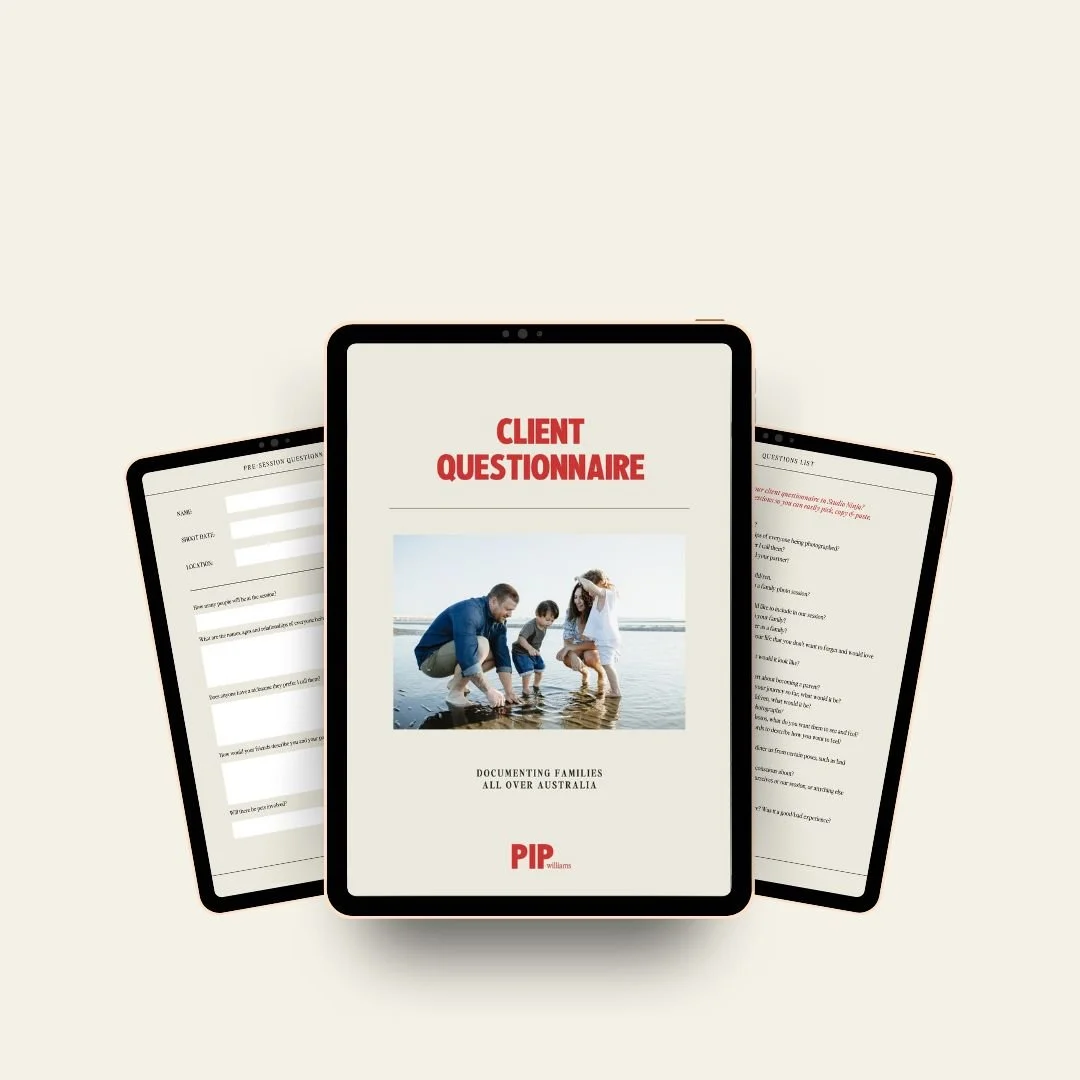
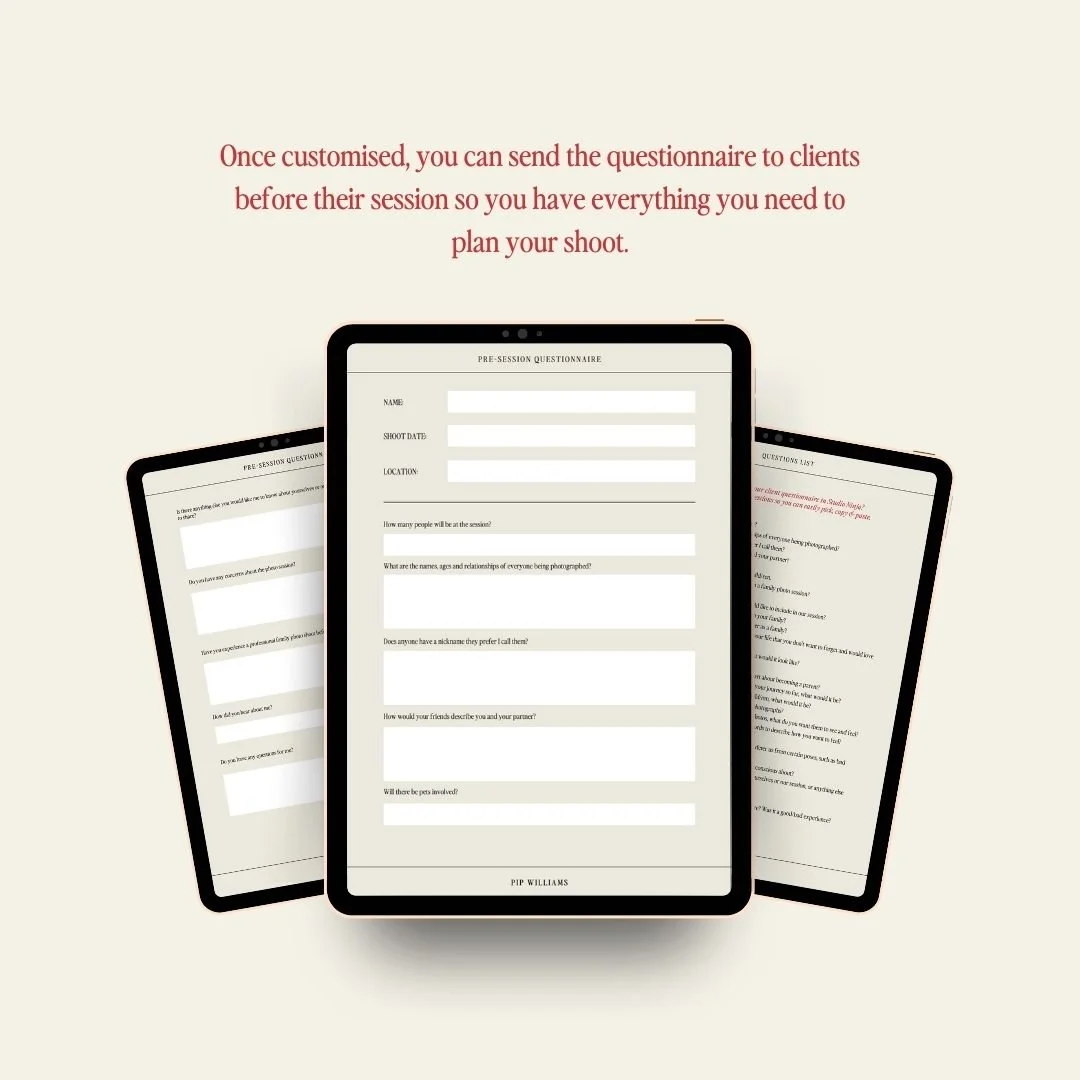
An editable Canva questionnaire you can send before the session, along with a ready-to-use list of suggested questions to help you understand your clients and plan your shoots with more intention.
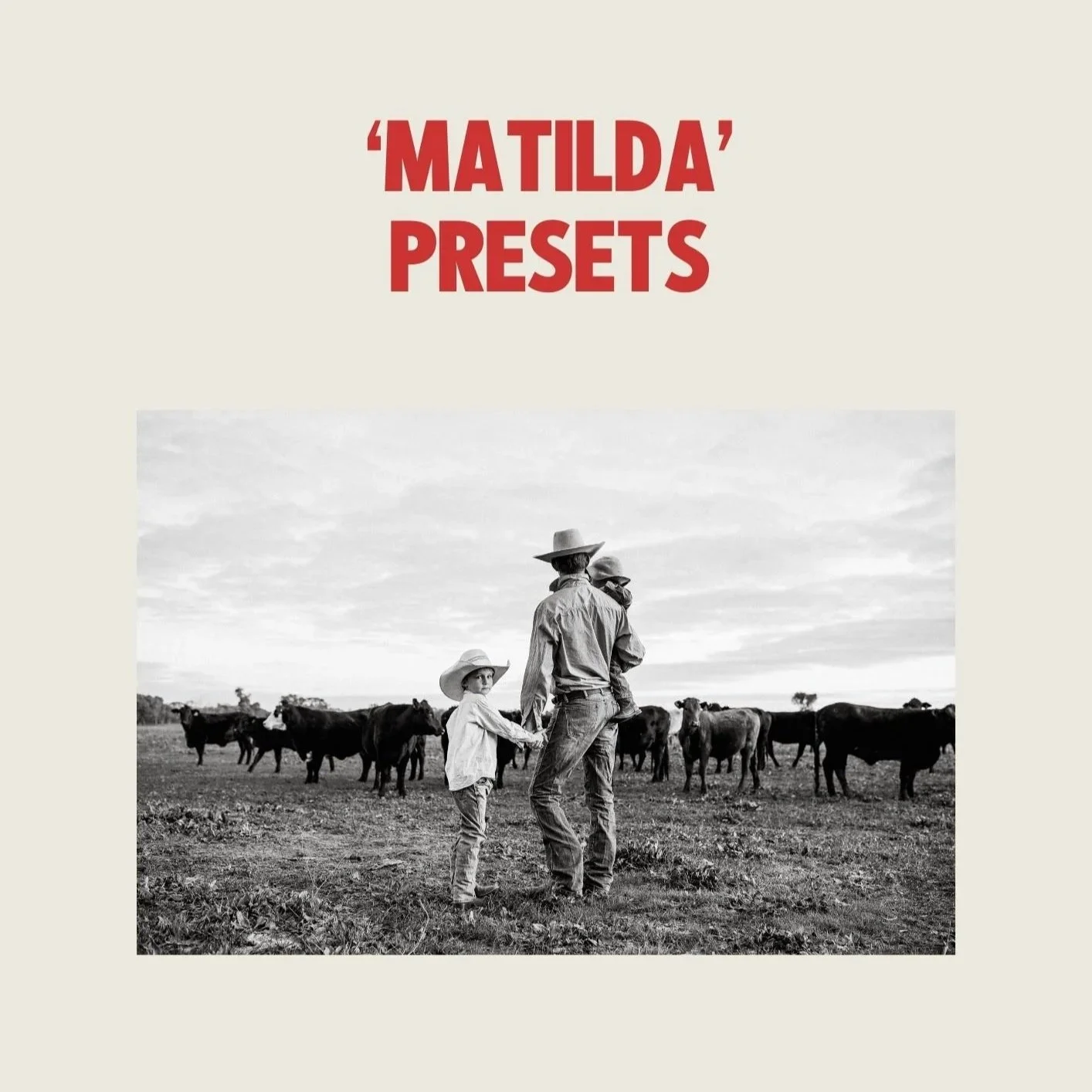
Matilda Lightroom Presets $59
A collection of five black and white presets I’ve created and used in my own work for years, designed to give you consistent and timeless edits.
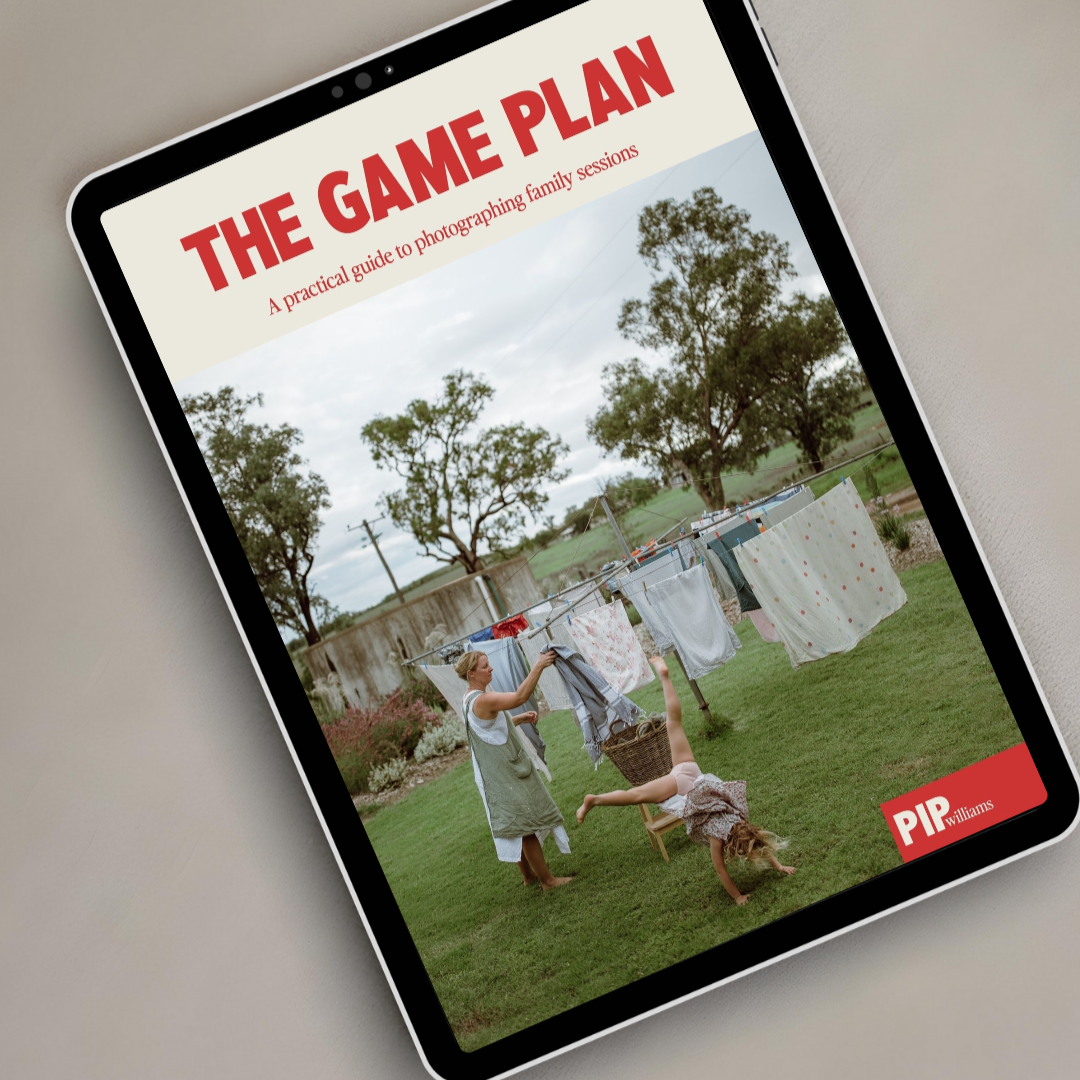
The Game Plan - Family Photography eBook $79
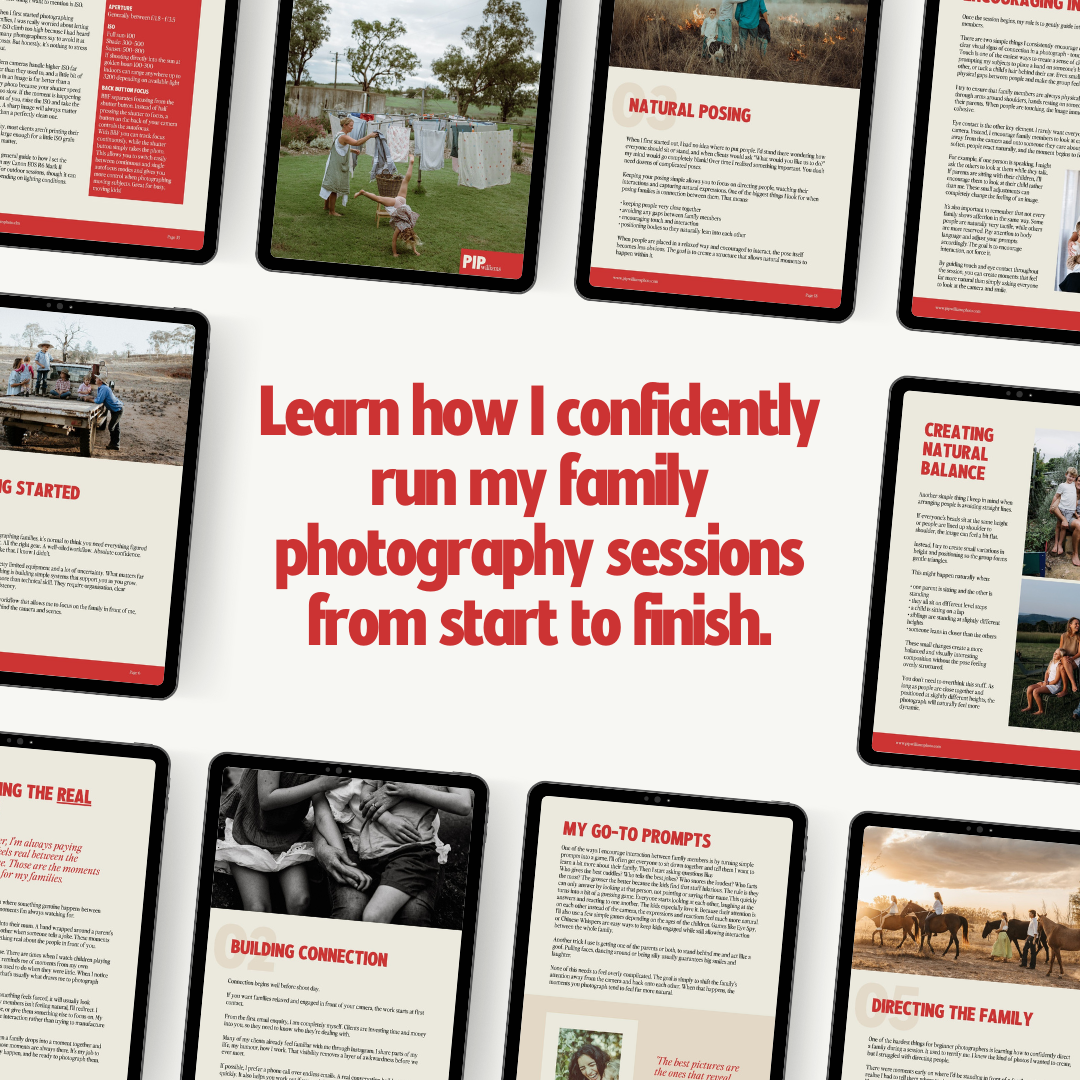
A practical guide where I walk you through how I approach family sessions, from building connection with clients to how I shoot, what I look for, and how I run a session from start to finish. Inside the eBook:
• Getting started and the programs I use in my workflow
• The camera gear I shoot with and why lenses matter most
• My camera settings and how I adapt to light and movement
• How I build connection with families before and during a session
• Choosing the right location and working with available light
• How I naturally pose families without it feeling forced
• My go-to shot list and the combinations I always capture
• How I run a family session from start to finish
• Practical tips for photographing kids and keeping sessions relaxed
• Simple composition techniques to strengthen your images
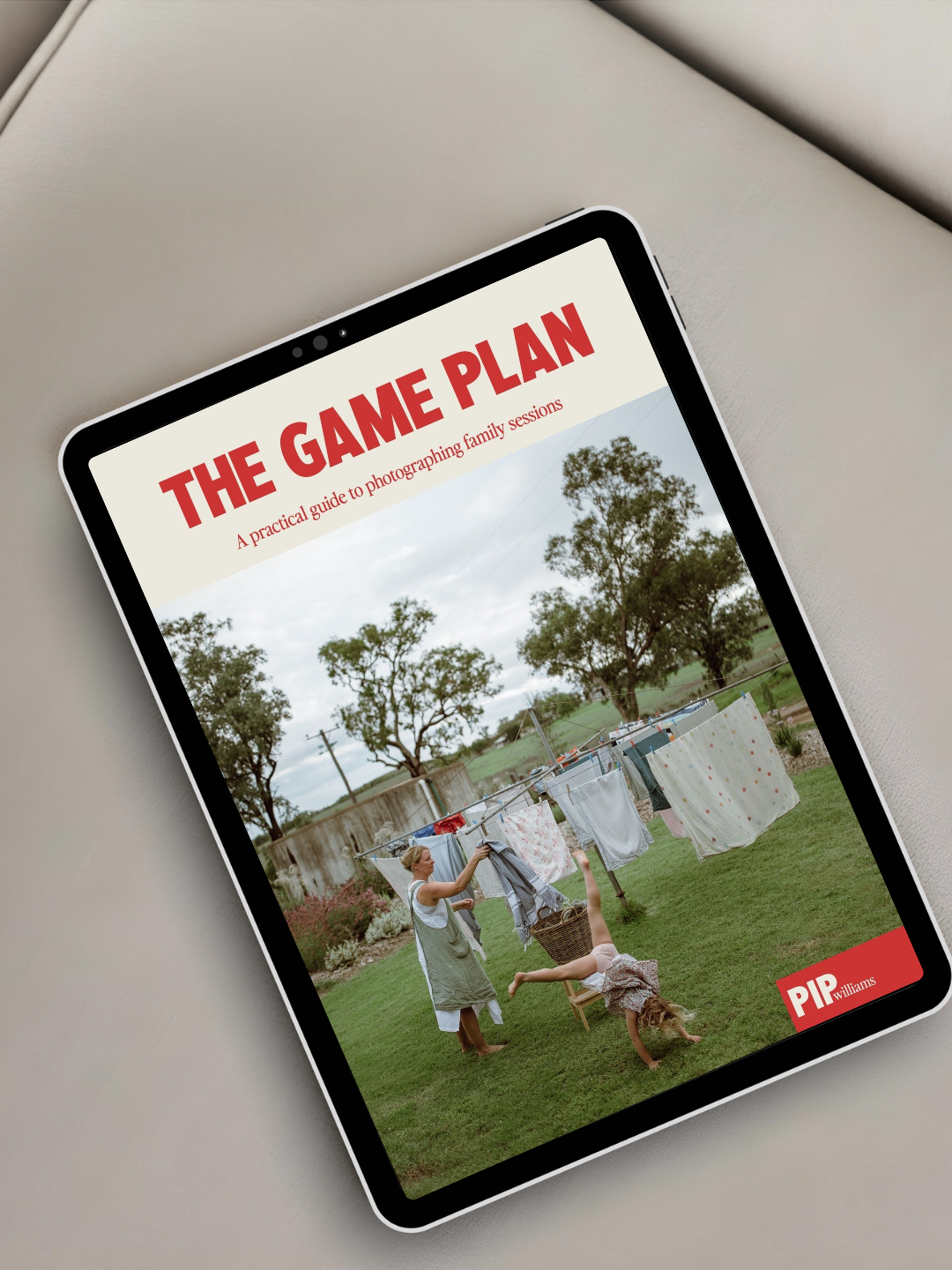
Learn how I confidently run my family photography sessions from start to finish.
If you're a photographer starting out in family photography and want to feel more confident during your sessions, this 50 page guide is for you. Inside The Game Plan I share how I build connection with families, naturally pose them, structure a session from start to finish, the shot combinations I always capture, and the programs and tools I use to keep my workflow organised.
Inside the guide:
• Getting started and the programs I use in my workflow
• The camera gear I shoot with and why lenses matter most
• My camera settings and how I adapt to light and movement
• How I build connection with families before and during a session
• Choosing the right location and working with available light
• How I naturally pose families without it feeling forced
• My go-to shot list and the combinations I always capture
• How I run a family session from start to finish
• Practical tips for photographing kids and keeping sessions relaxed
• Simple composition techniques to strengthen your images
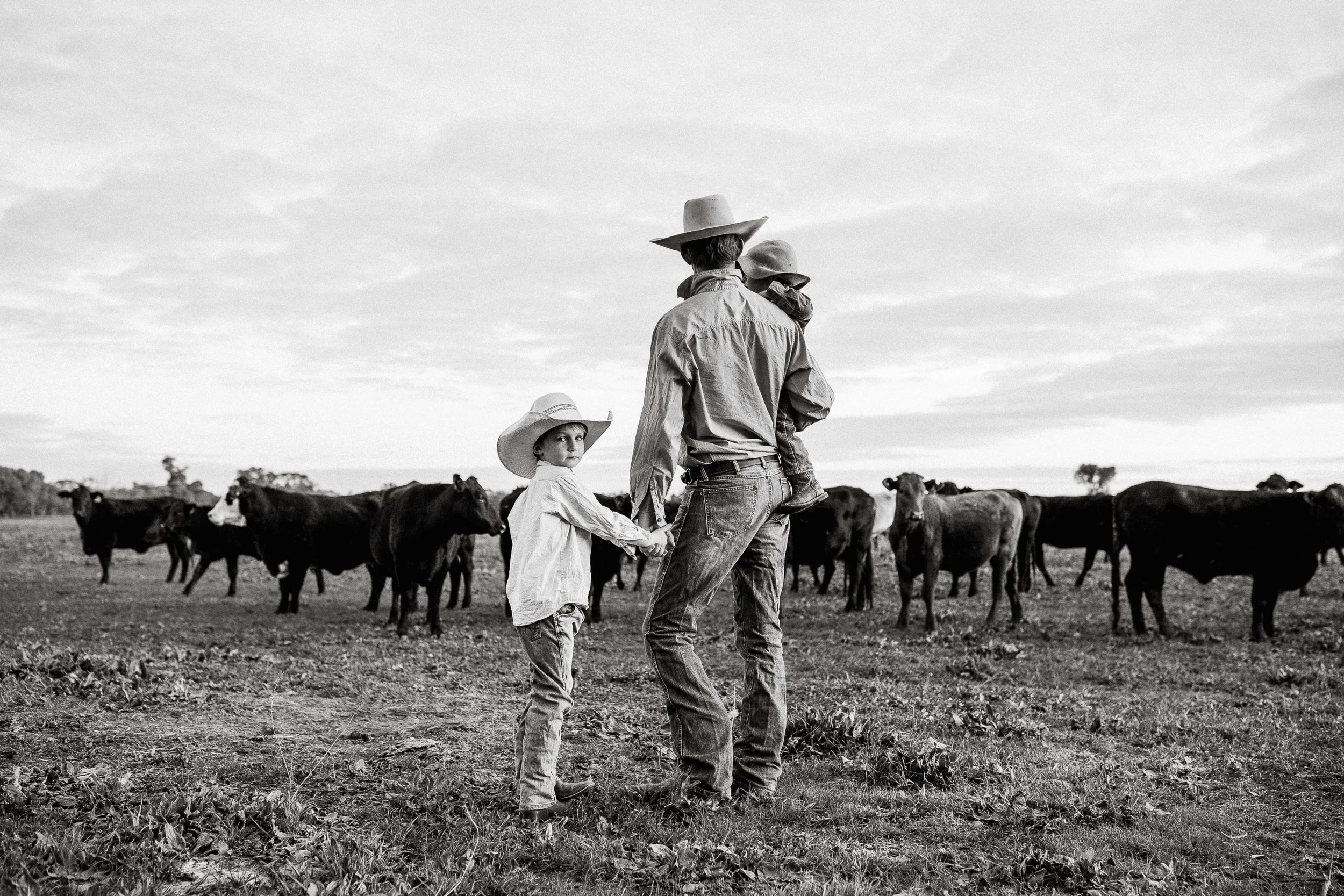
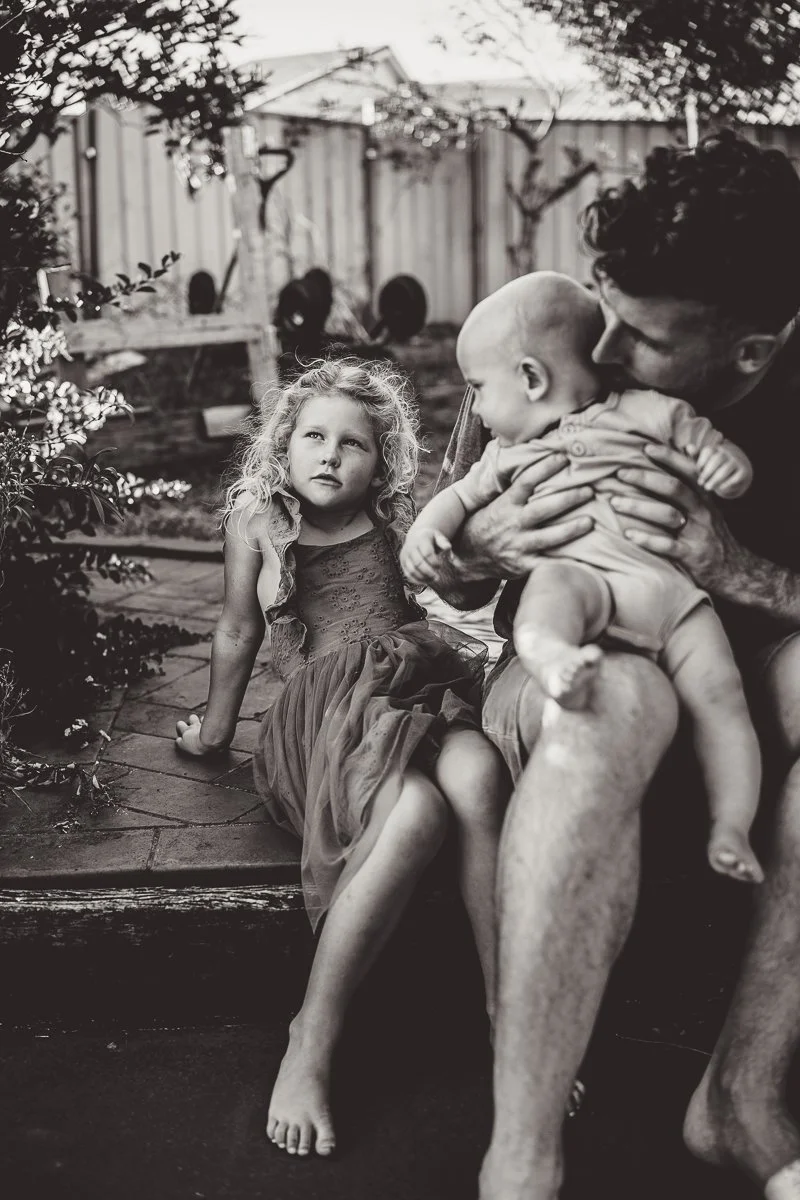
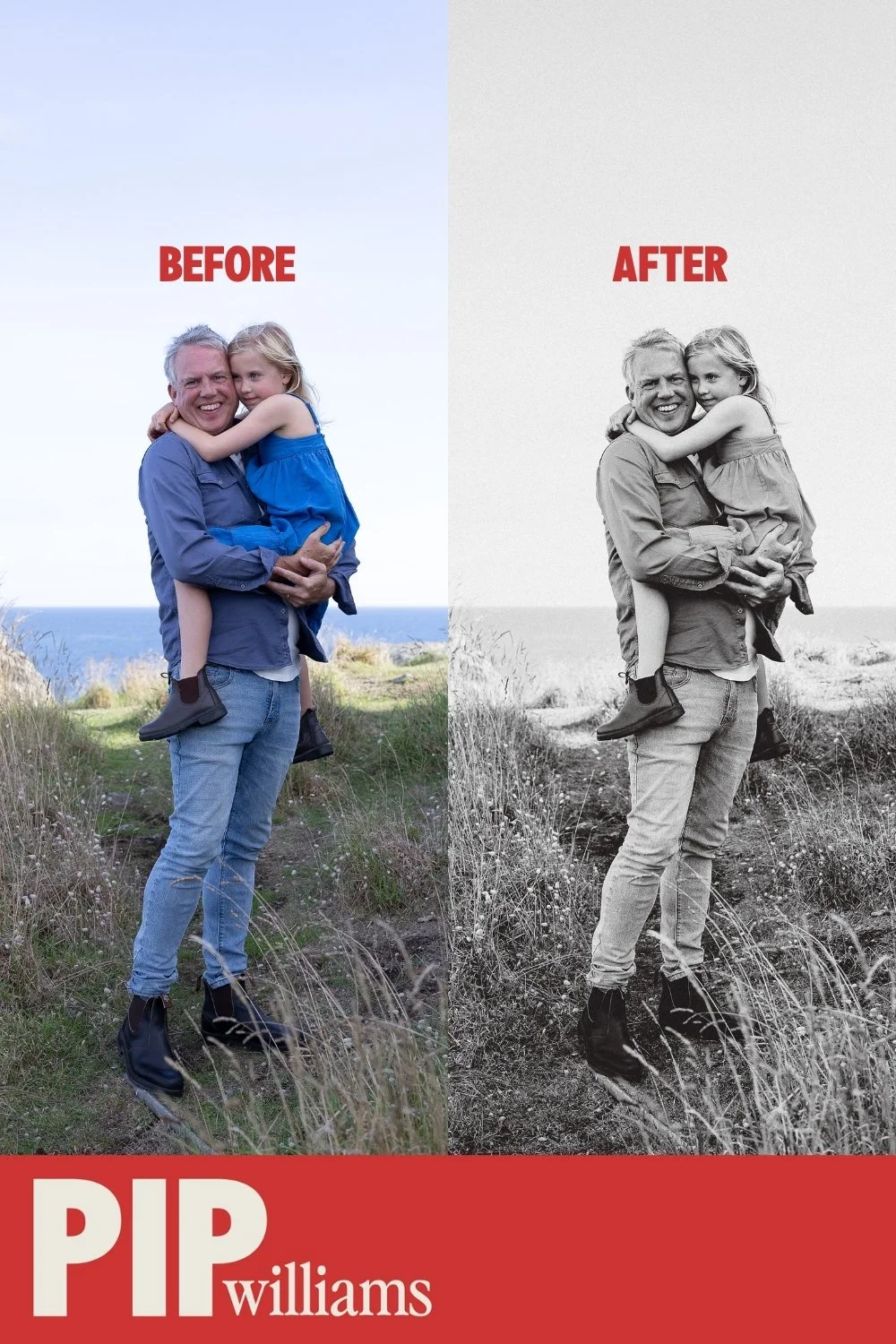
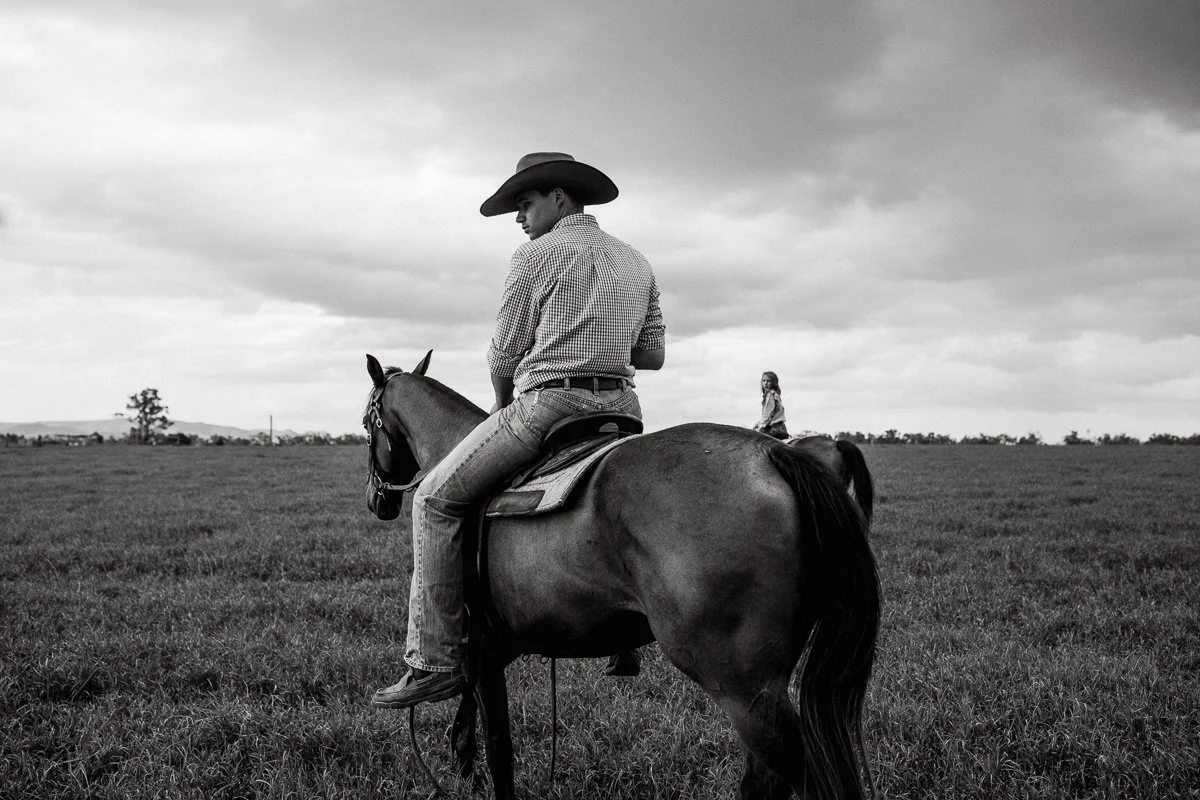
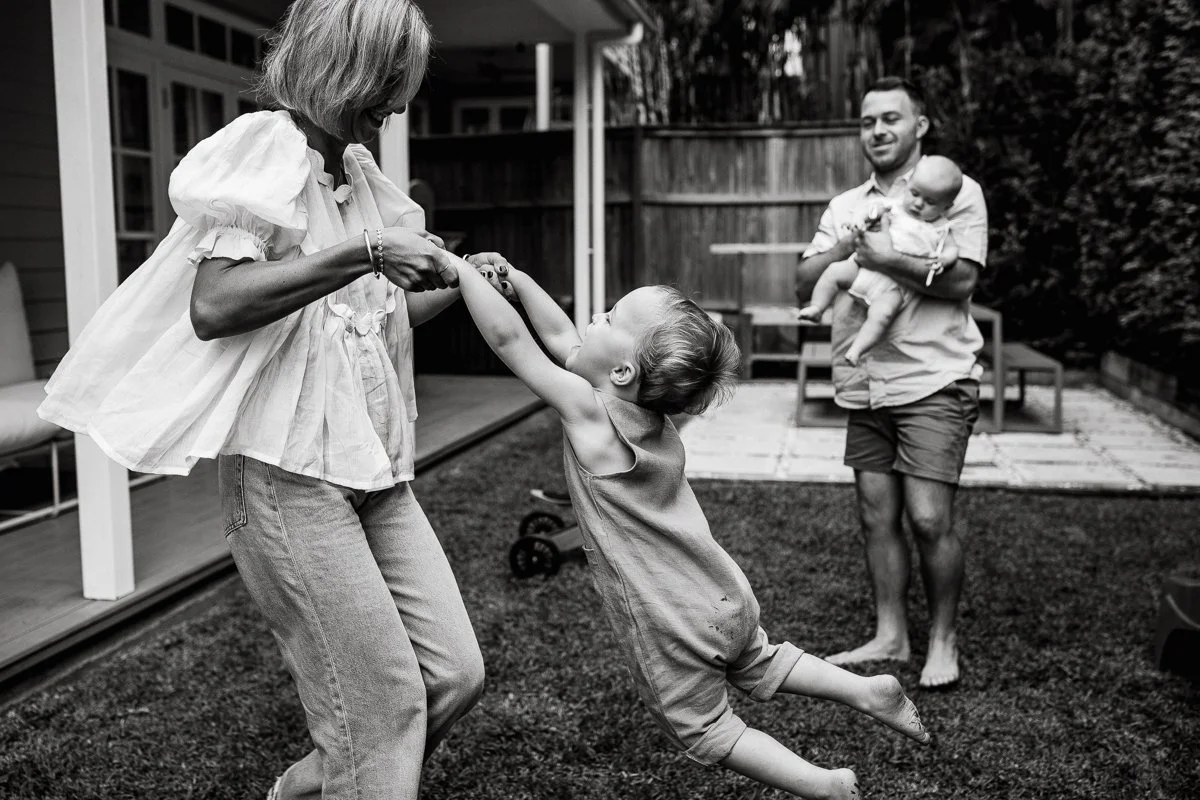
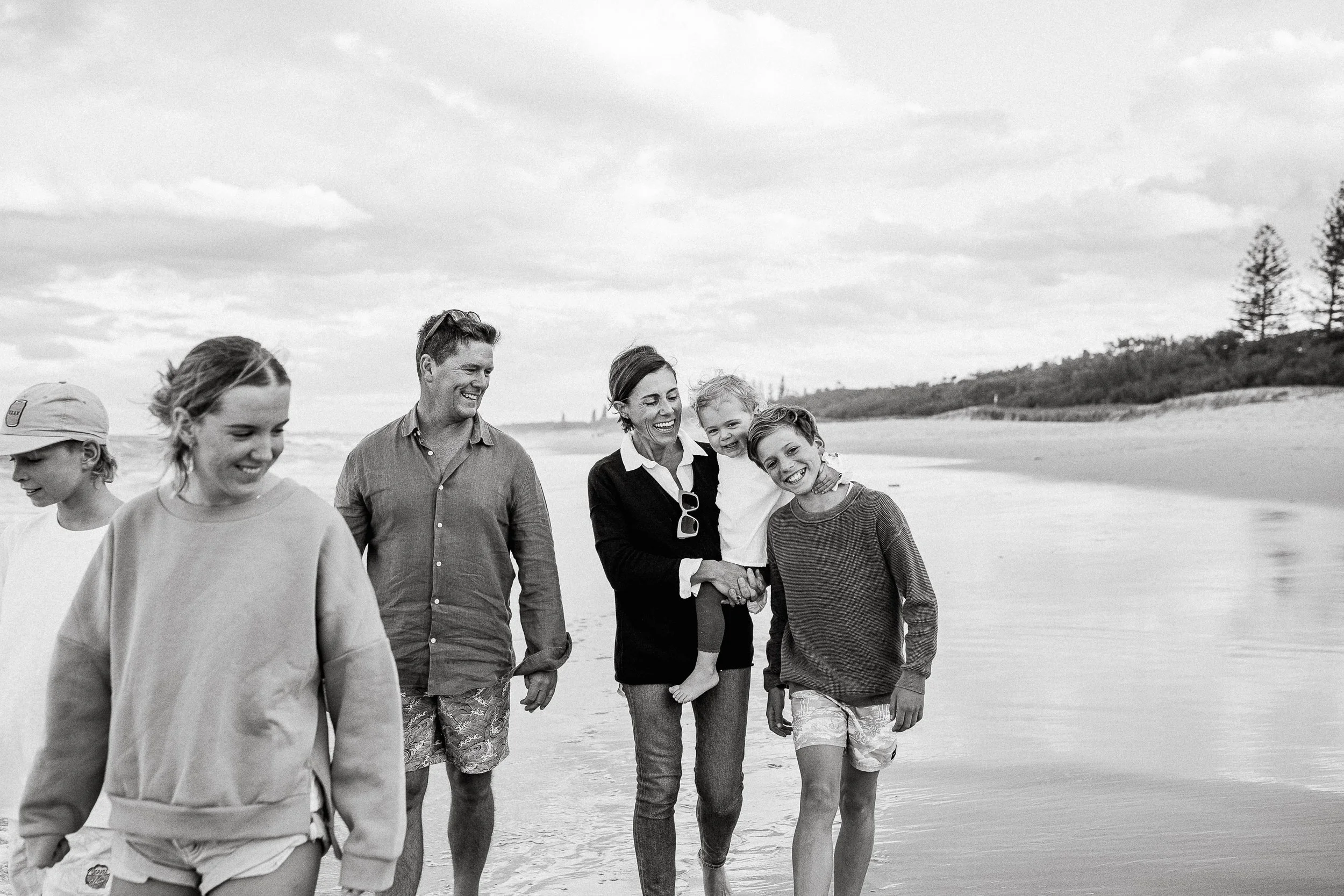
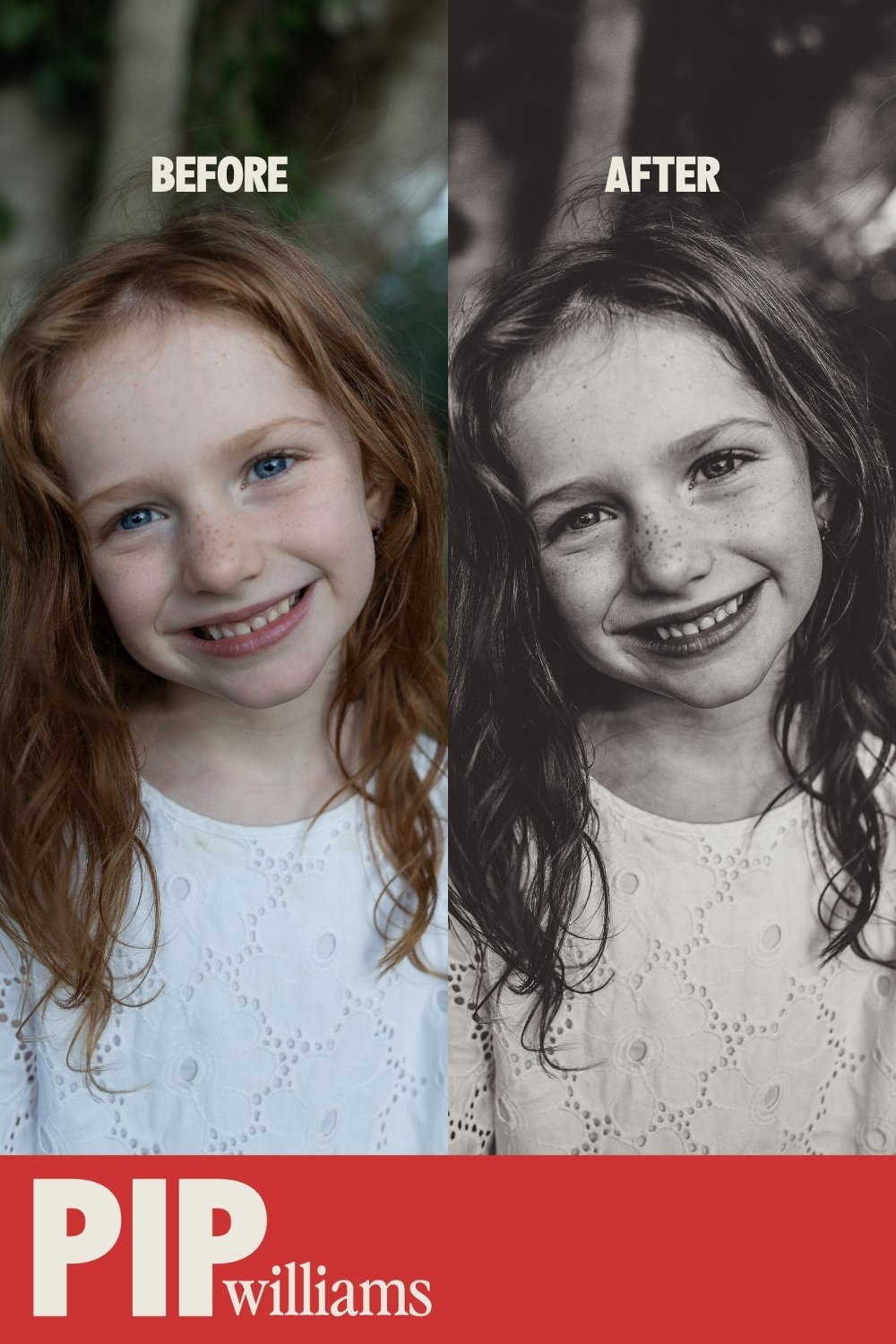
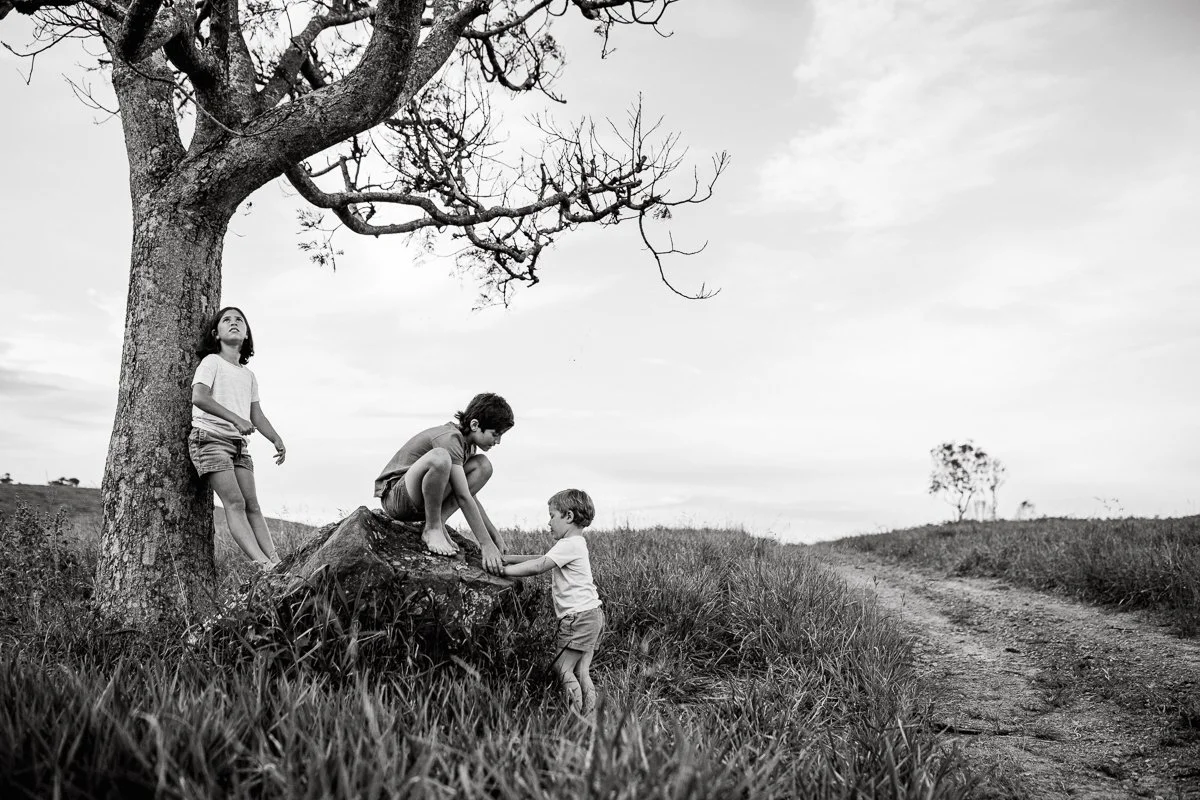
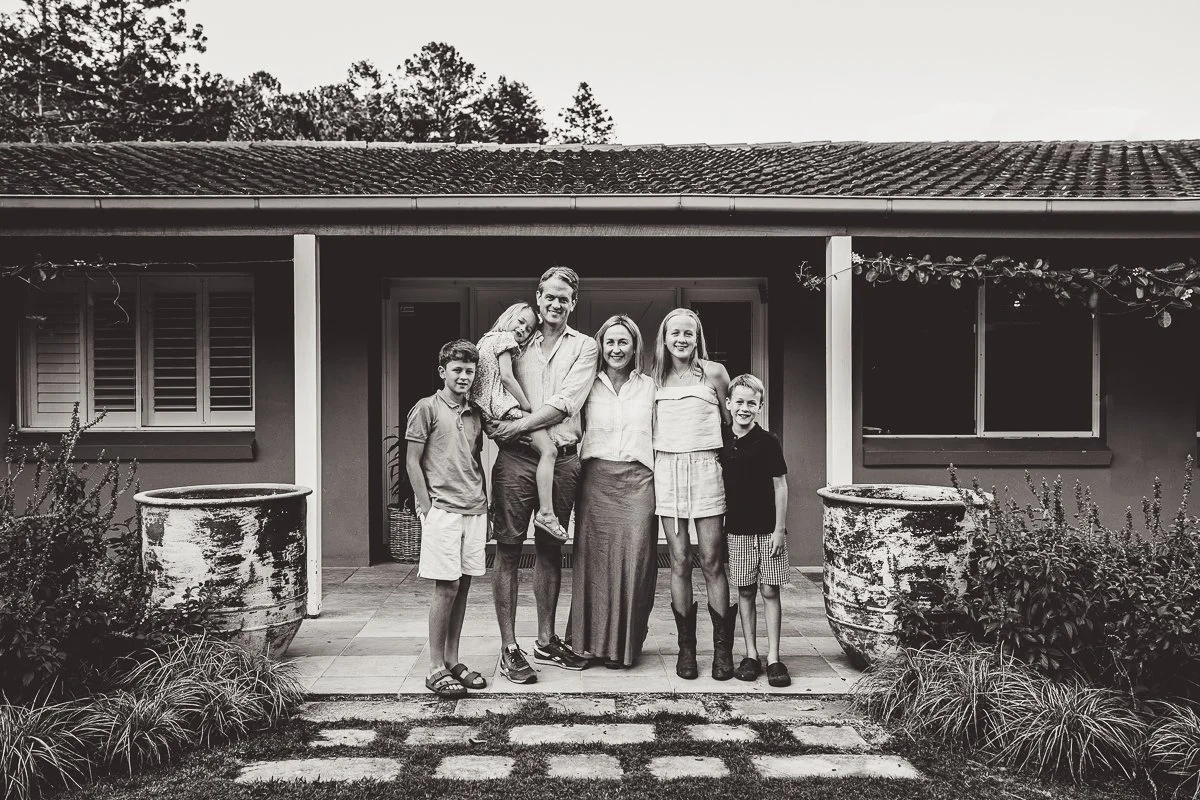
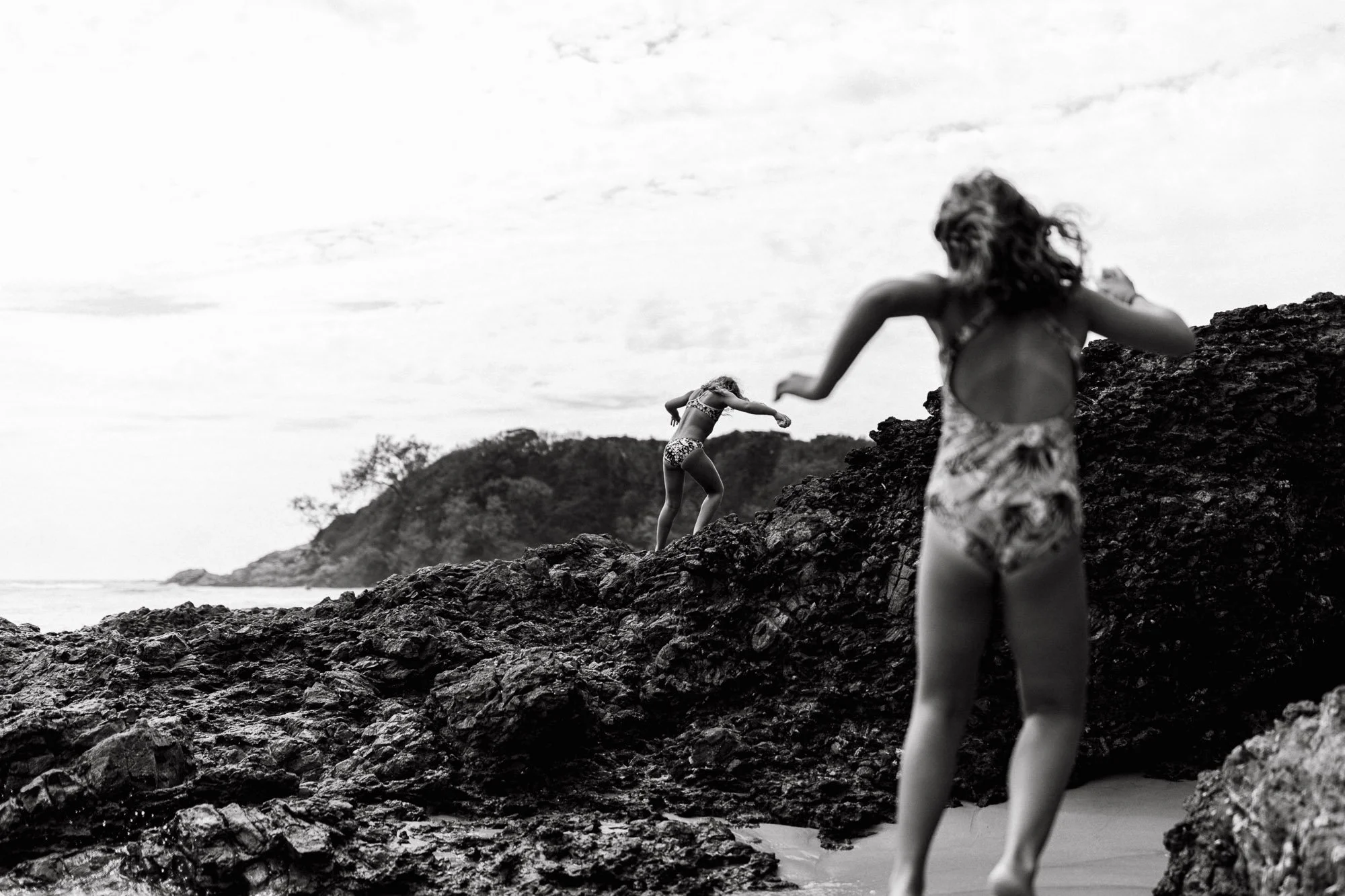
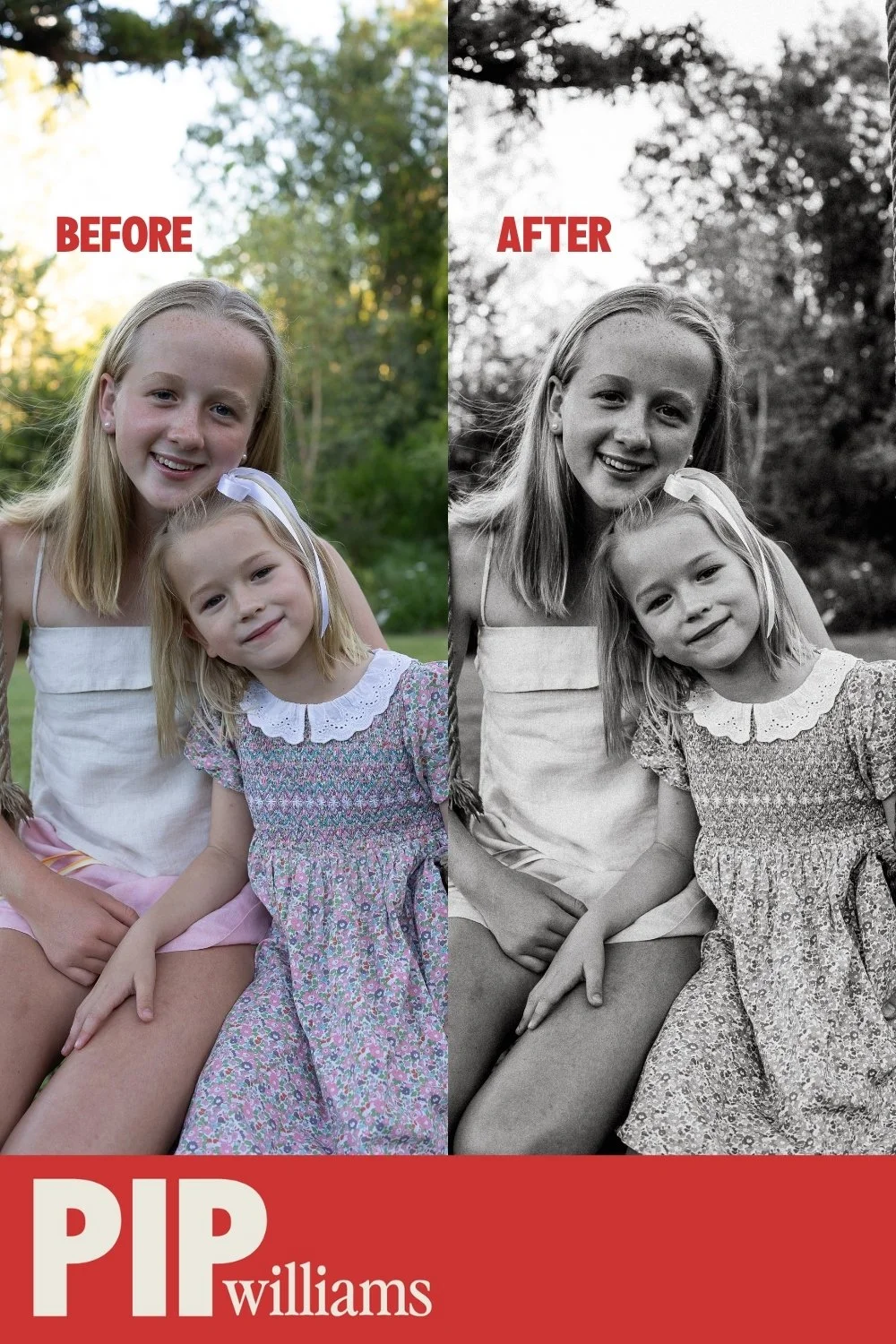
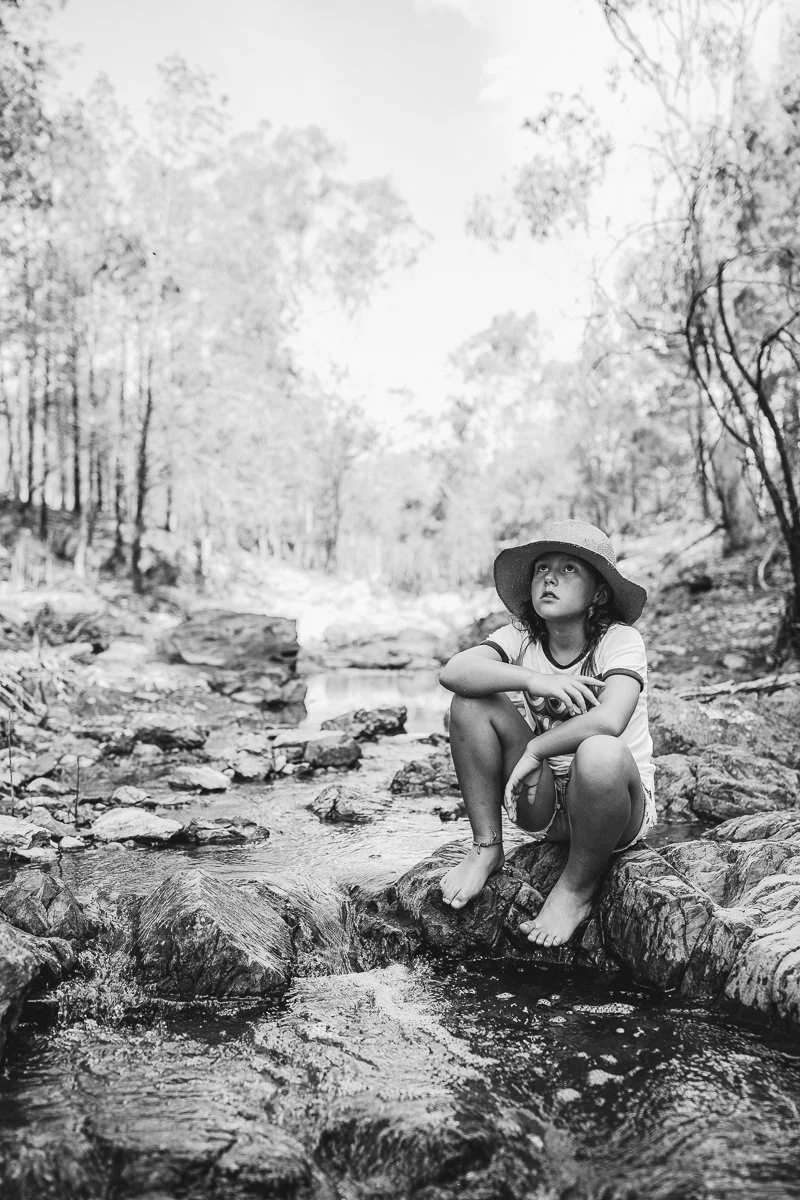
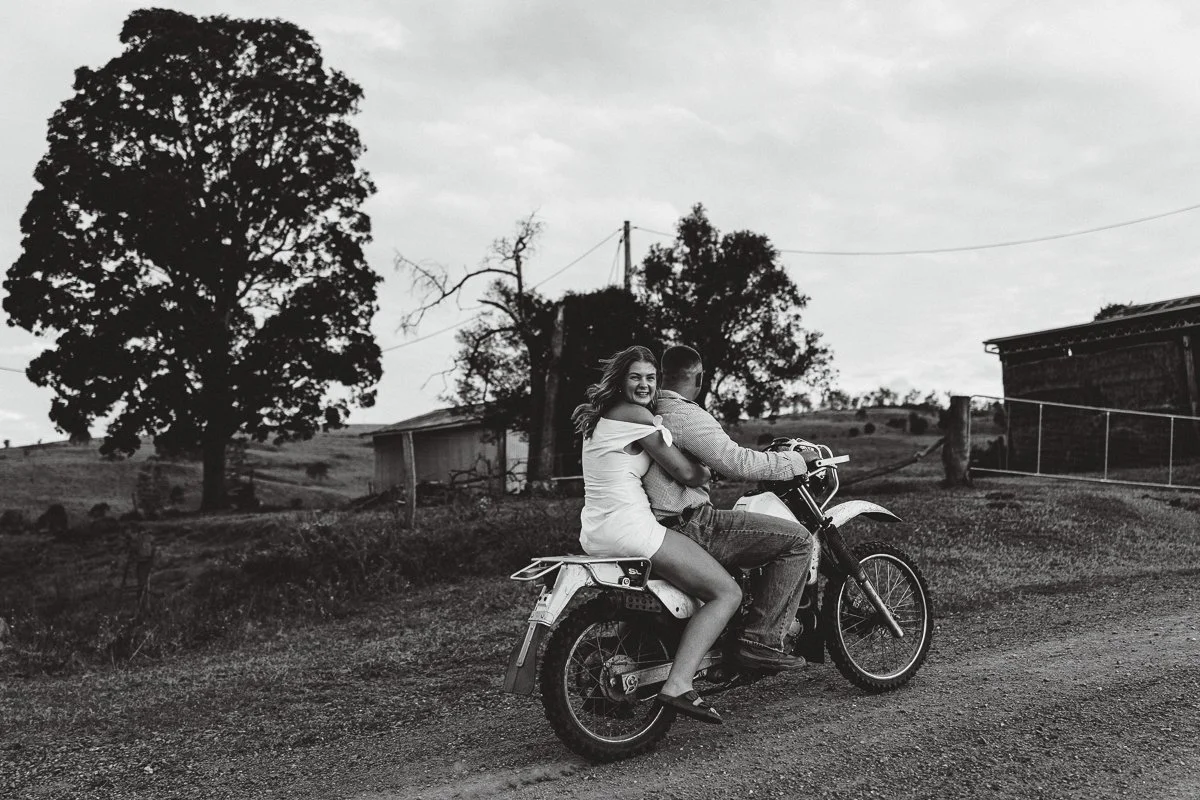
My classic black and white Lightroom presets for desktop.
This is a tight little collection of the black and white presets I’ve created and used in my own work for years. You’ll get 5 black and white presets plus a simple PDF that walks you through installing them.
Each pack is a one-time-only download per purchase. Compatible with Lightroom CC and Classic.
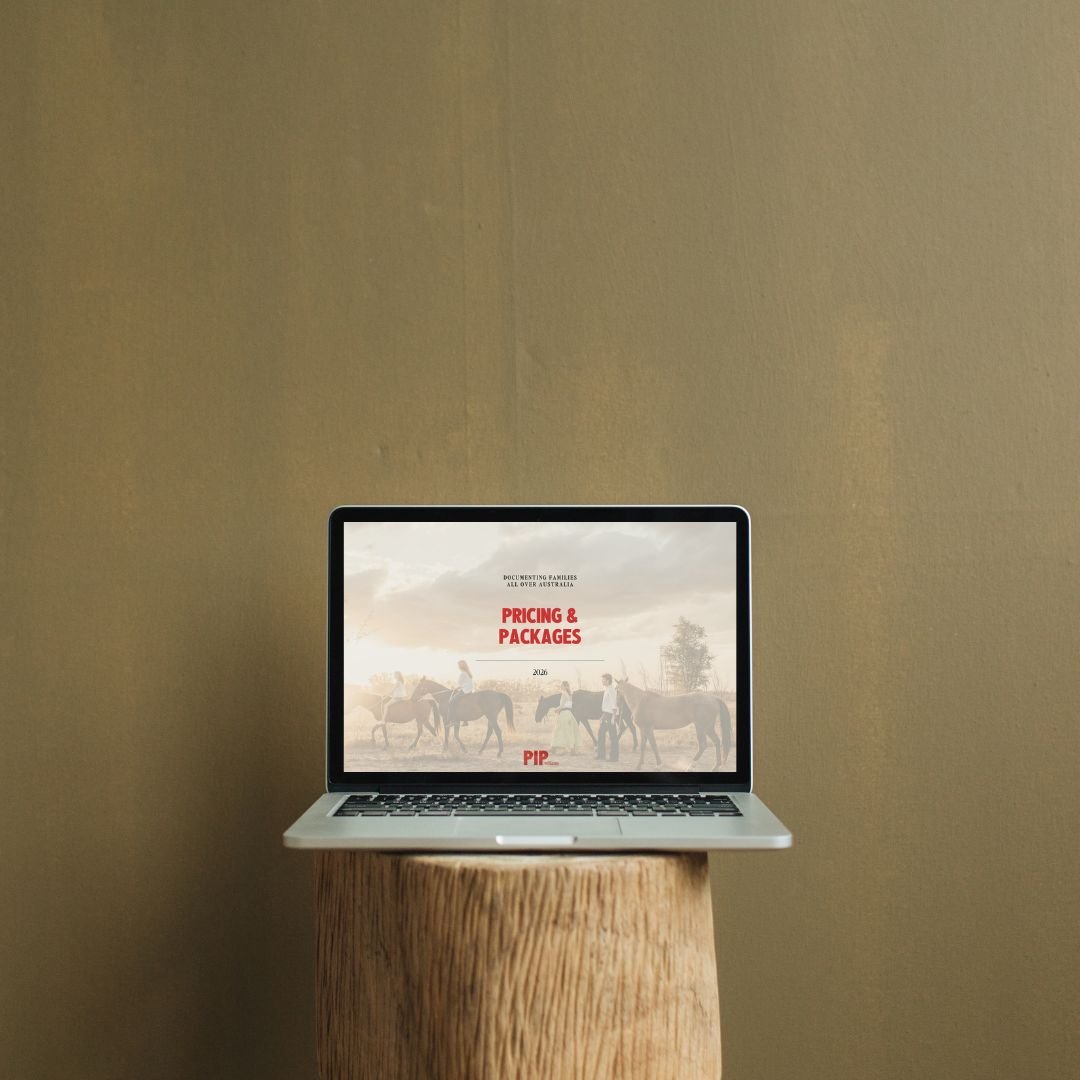
A simple and professional 15 page Canva template designed to help photographers present their packages and pricing clearly to potential clients.
This guide allows you to outline your packages, inclusions, add-ons and booking process in a clean format that’s easy for clients to understand. Instead of writing long emails explaining your prices, you can simply send your pricing guide whenever someone enquires.
Edit the template with your own information, photos and branding, then export as a PDF ready to share with potential clients.
Fully editable in Canva.
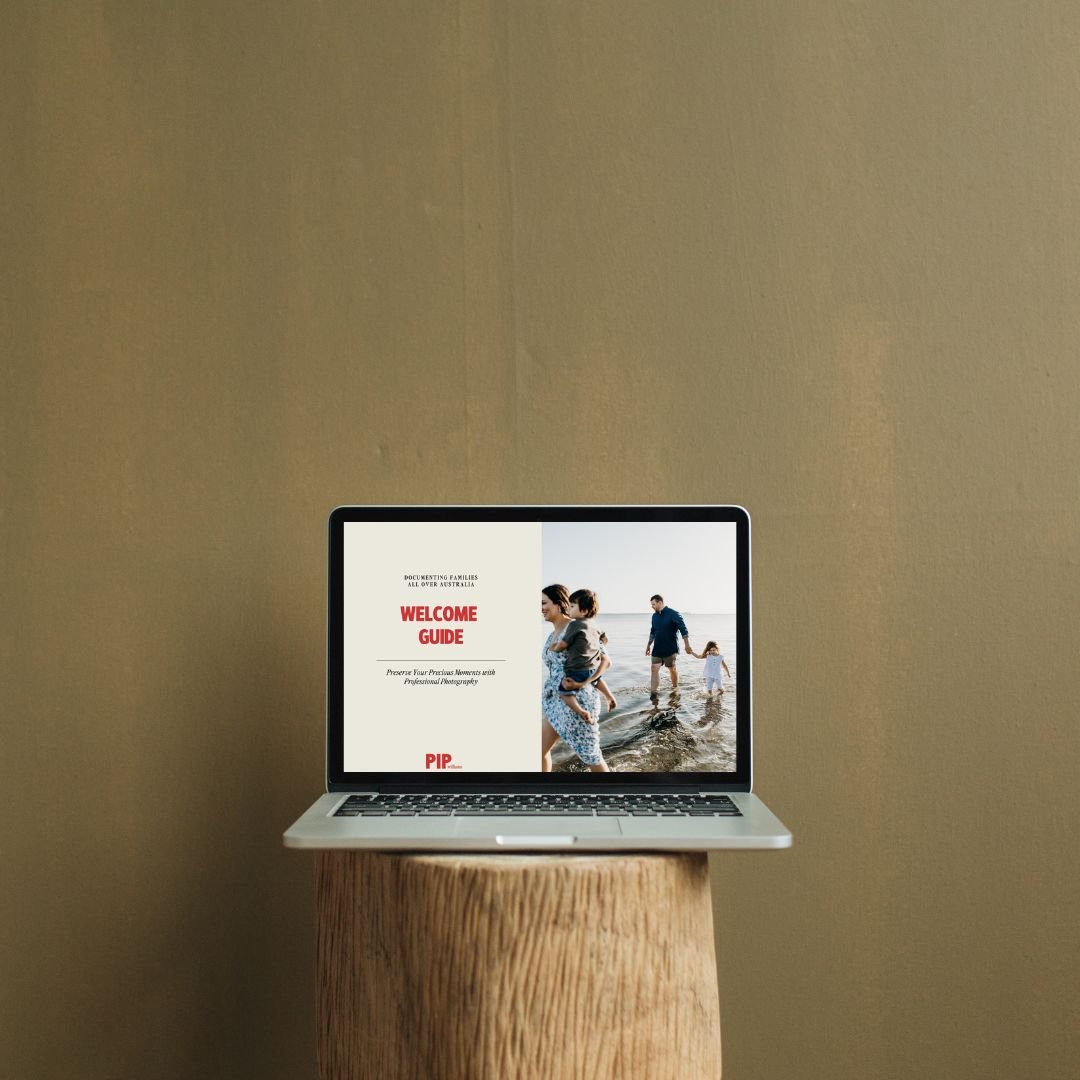
A clean, easy to customise 17 page Canva template designed to help photographers create a professional Welcome Guide for their clients.
Use this guide to walk your clients through what to expect before their session, what to wear, how to prepare and what happens after the shoot. It helps answer common questions ahead of time so sessions run more smoothly and clients feel relaxed and prepared.
Simply edit the text, add your own photos and branding, then export as a PDF ready to send to your clients.
Fully editable in Canva.
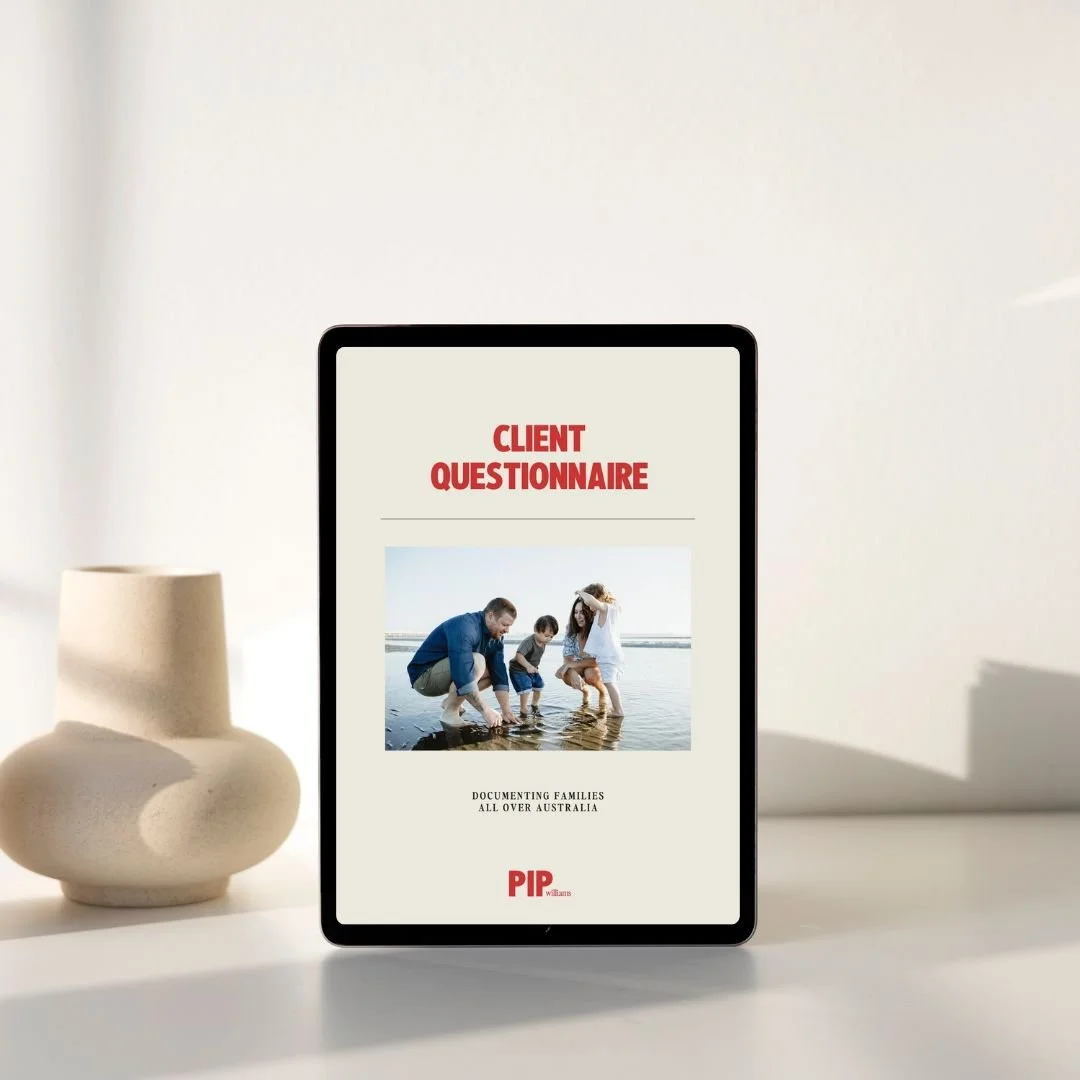
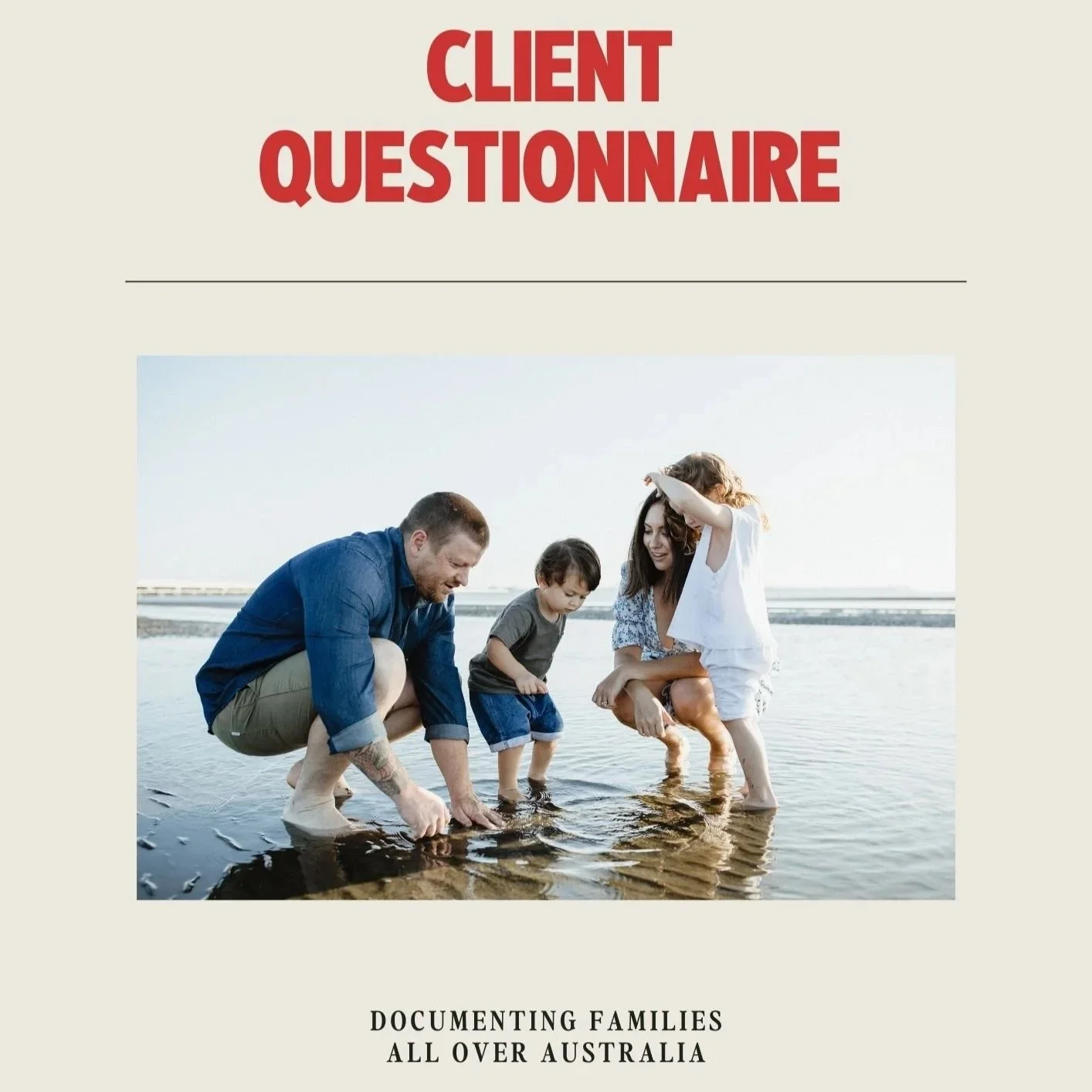

A simple tool to help you learn more about your clients before their session.
This download includes both a fully editable Canva questionnaire template and a PDF list of suggested questions, making it easy to gather the information you need before a shoot.
You can customise the Canva template with your own branding and workflow, or simply use the included PDF as a starting point when creating your own questionnaire in Studio Ninja.
Sending a short questionnaire before the session helps you understand your clients, their family dynamic and the type of photos they’re hoping for, so you can plan the shoot with more intention.
No results match your search. Try removing a few filters.